
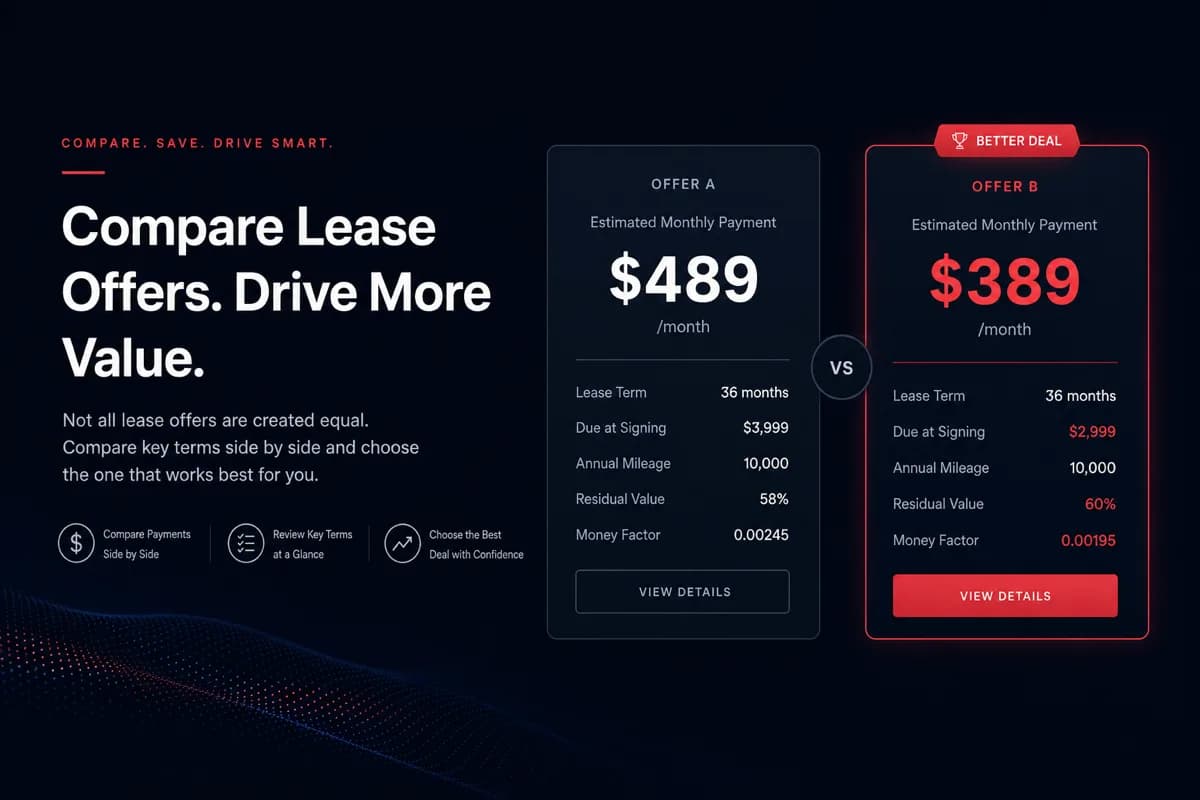
Comparing lease offers across brokers and dealers
How to compare specials from different companies side by side when every site formats payment data differently.
By LeaseGuru.aiUpdated 3 min read
The same vehicle can show different monthly payments on different broker sites—not because one is wrong, but because quotes embed different fees, mileage tiers, and incentive assumptions.
Comparing lease offers without aligning those variables leads to false conclusions. Aggregation helps, but you still need a checklist before you sign.
Why quotes diverge, how to compare listings on LeaseGuru, and steps to judge offers fairly side by side.
TLDR Quick Guide
- Quotes differ by fees in drive-off, mileage tier, credit tier, and regional incentives.
- Treat online listings as starting points—your signed contract is the source of truth.
- Align term, miles, and drive-off before comparing two payments.
- LeaseGuru maps feeds into one grid so you skip tab-hopping across marketplaces.
- Confirm payment, equipment, and fees with the funding party before paperwork.
Why quotes differ
Brokers and dealers may include different fees in due at signing, use different mileage assumptions, or reflect different regional incentives. The same vehicle can show different monthly payments depending on credit tier, cap cost reductions, and whether taxes are rolled in.
Treat online listings as starting points: they help you shortlist, but your signed contract governs.
What aggregation changes
LeaseGuru pulls lease inventory from multiple public and partner feeds, maps each offer into a common record (payment, term, drive-off where available, image, source link), and removes obvious duplicates where possible.
One search instead of many tabs
You see one search results page instead of chasing tabs across separate marketplaces. Filters apply consistently across sources.
Limits of aggregation
Not every feed includes drive-off or equipment details. Stale inventory and expired incentives can appear briefly. Always refresh with the broker before signing.
Apples-to-apples checklist
- Same term in months (24 vs 36 vs 39 matters)
- Same annual mileage allowance
- Same or comparable drive-off structure
- Same trim and equipment where possible
- Same credit tier assumption—or ask each source for your tier
Side-by-side compare
Use LeaseGuru’s compare flow from deal pages to put vehicles side by side before you contact the broker or dealer.
Trust but verify
Incentives expire, inventory turns over, and errors can appear in any feed. Before you visit a showroom or complete remote paperwork, confirm payment, mileage, fees, and included equipment with the funding party named on the contract.
See what is leasing well right now
Live listings ranked by LeaseGuru deal score, with payment, due at signing, and term on each card.
- View deal details
 DemoScore100
2021 Porsche Taycan CPO Turbo S
- Monthly:
- $1,079/mo
- Due at signing:
- $5,499
- Term:
- 24 mo
California
- View deal details
 DemoScore96
2025 Audi A5 Premium
- Monthly:
- $239/mo
- Due at signing:
- $3,999
- Term:
- 24 mo
California
- View deal details
 DemoScore94
2026 Mercedes-Benz GLE SUV 4Matic 350
- Monthly:
- $379/mo
- Due at signing:
- $3,499
- Term:
- 24 mo
South
Key Takeaways
- Different sources quote different numbers because assumptions differ—not always because one deal is better.
- Line up term, mileage, and drive-off before comparing monthly payment.
- LeaseGuru aggregation saves search time but does not replace contract verification.
- Expired incentives and sold units can linger in feeds briefly—confirm live availability.
- Get itemized quotes from the lessor or dealer named on the contract before signing.
Ready to see real lease offers?
Share your ZIP and we'll match you with current deals. Free, no obligation.
FAQs
Different cap cost, mileage tier, incentive stacking, or fees in drive-off can change payment. One site may assume top-tier credit while another shows a generic payment.
Often yes—selling price and fees are negotiable with the dealer or broker. The listing is an starting offer, not a final contract.
Feeds sync on a regular schedule; exact timing varies by source. Treat displayed payment as indicative until the broker confirms current program details.
If you are undecided on leasing, compare total cost of lease versus loan over your expected hold period. LeaseGuru focuses on lease inventory—use captive or dealer tools for finance quotes.
Related guides
 5 min
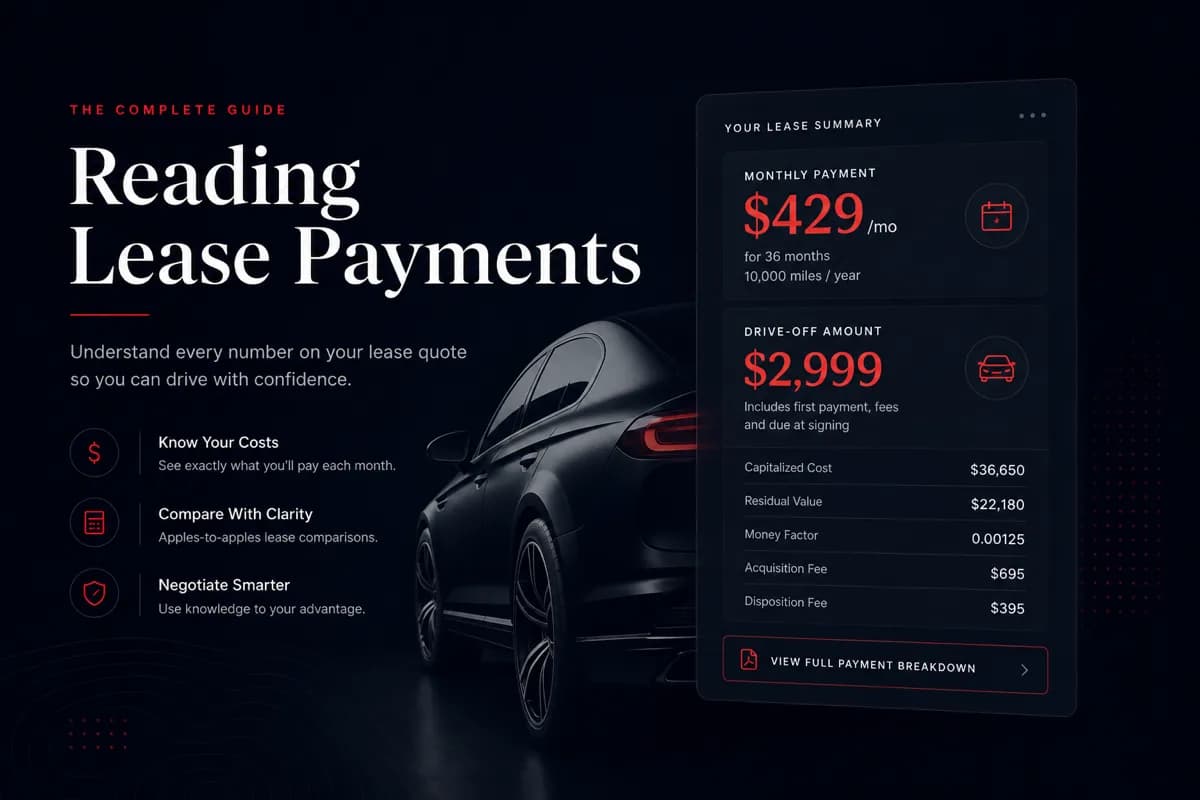
5 minWhat's due at signing on a car lease? Reading payments and drive-off
How to interpret payment, drive-off, term, and mileage when comparing lease listings online or from multiple brokers.
 5 min
5 minCar leasing 101: how leasing works and what to expect
A plain-English overview of auto leasing: structure, trade-offs versus buying, and what to expect when your term ends.
 4 min
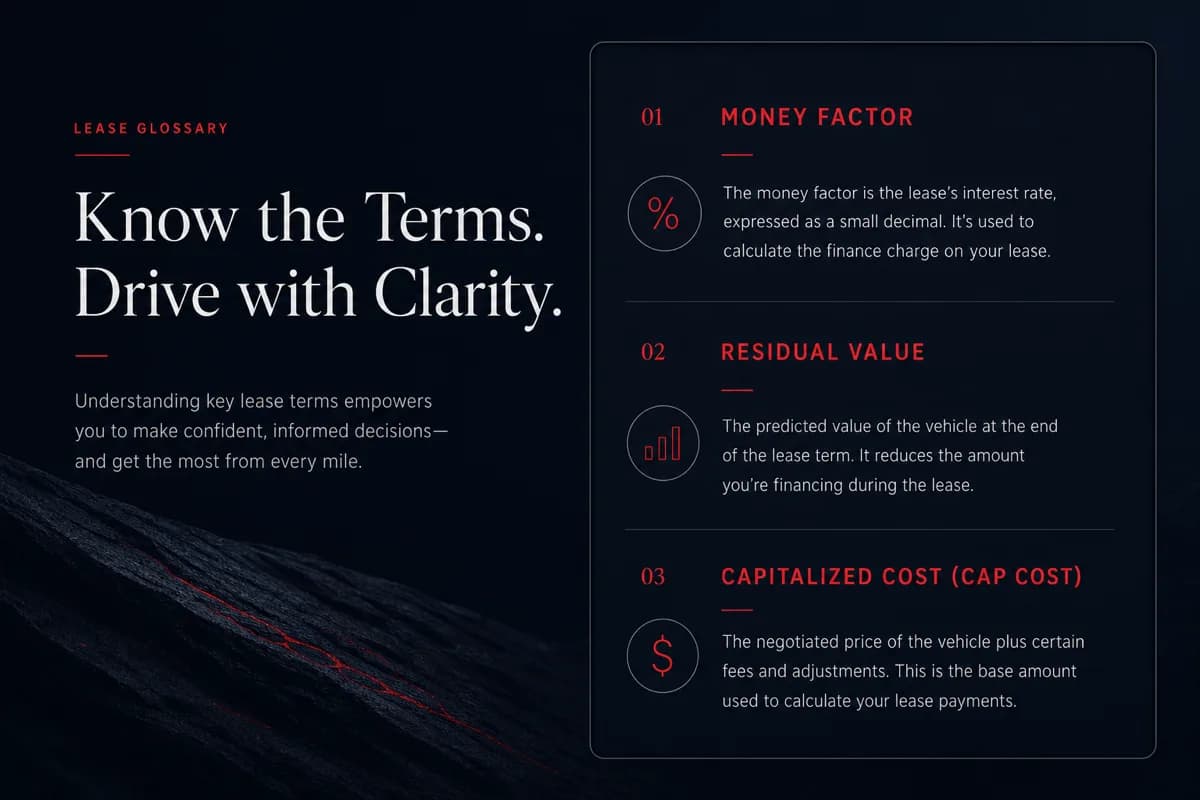
4 minCar lease glossary: key terms explained
Quick definitions of terms you will see in lease ads, quotes, and contracts—written for shoppers, not accountants.
Ready to compare?
Compare live listings by payment, drive-off, and term, then request help on a deal when you are ready.